ON EVERY DESKTOP
The lightweight tray application that makes automapping actually work — connecting shared mailboxes to Outlook automatically, the moment a user’s security group membership says they should have access.
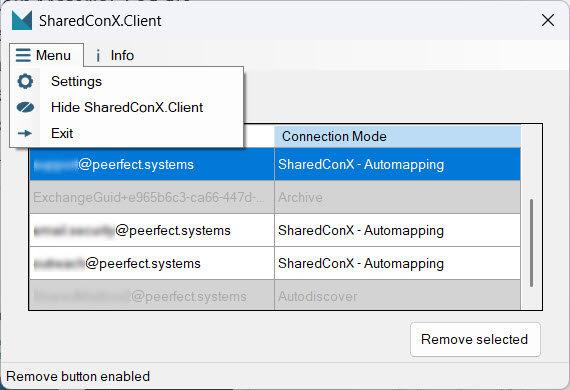
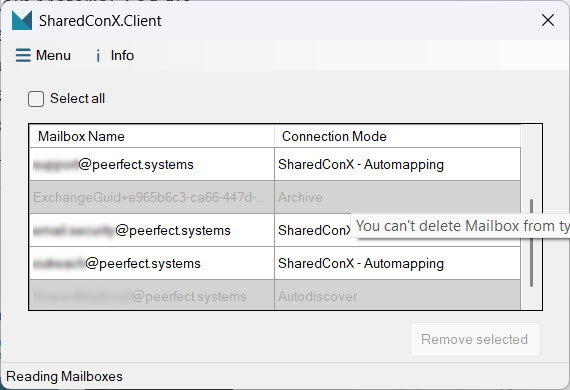
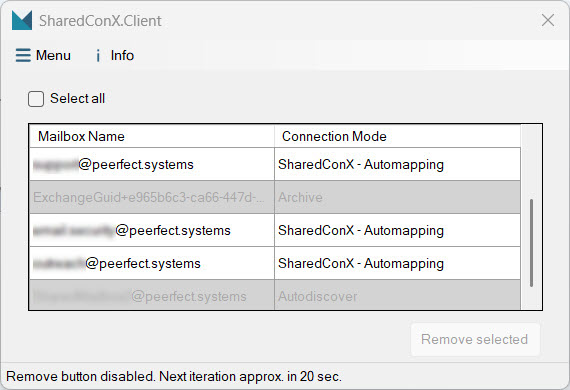
SharedConX.Client runs in the background on the user’s machine. It reads the permissions SharedConX.Core has already applied via security groups, and keeps Outlook’s mailbox list in sync — no manual “Add shared mailbox” steps, ever.
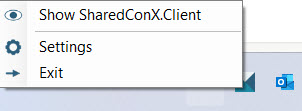
For end users, SharedConX.Client is nearly invisible — it sits in the tray and only surfaces when something needs attention.
Outlook Classic doesn’t natively expose which mailbox is “shared,” so SharedConX.Client uses one of two detection methods, configured once in SharedConX.Manager:
| Use App registration | SharedConX.Client connects to Exchange Online directly to determine the mailbox type. No changes to user objects required. |
|---|---|
| Use Custom Attributes | Appends a marker string (e.g. SharedMailbox) to a chosen Exchange custom attribute. |
Only one method is active at a time, but you can switch between them at any point.
A condensed version of the full setup guide. Every step below has a matching detailed walkthrough available on request.
A no-obligation initial consultation covers exactly how SharedConX.Client would be deployed across your organization.